 TechnifiedDiscord and Roblox, in sync.
Technified keeps your members verified, your roles in sync, and your moderation consistent on both platforms. One community instead of two.
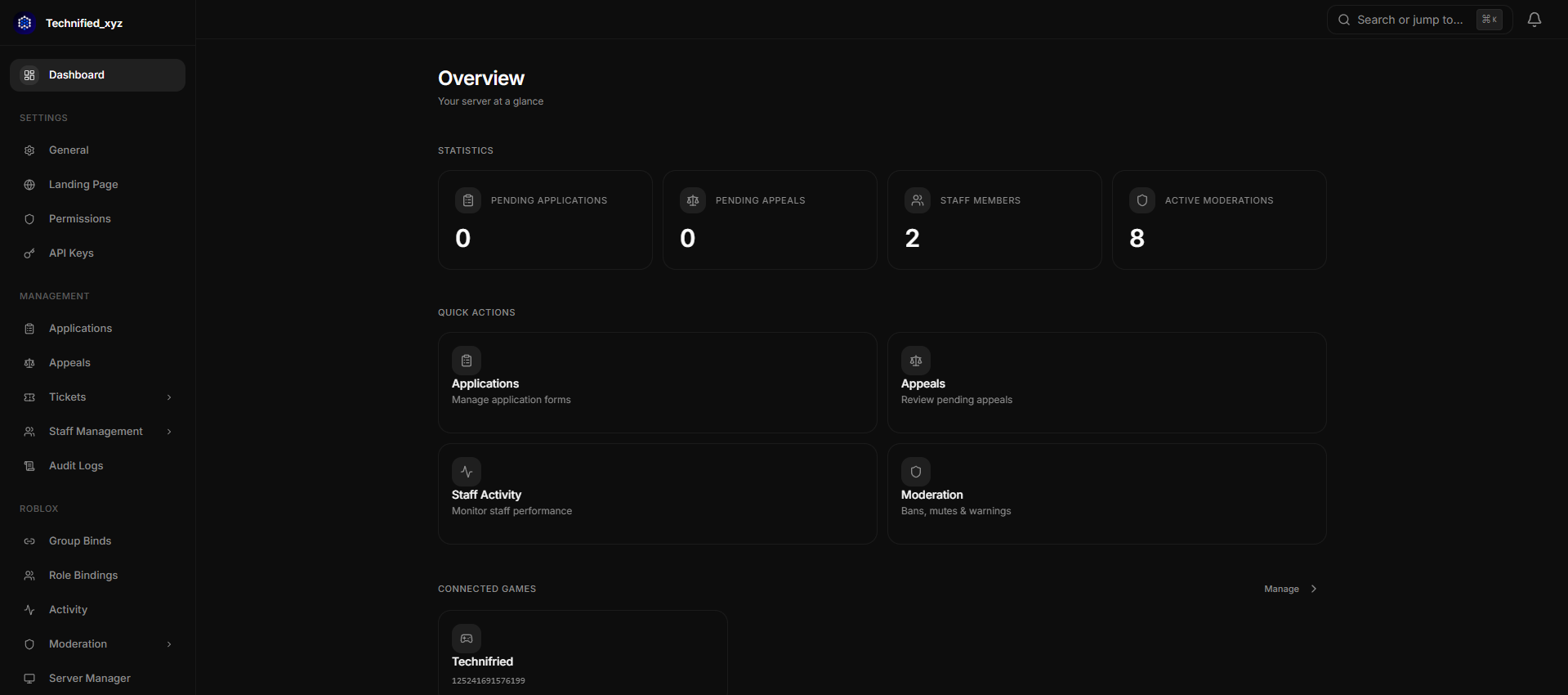
A community that lives on Discord and Roblox shouldn't need two of everything. Technified keeps roles, ranks, and moderation identical on both sides, automatically.
No webhooks to wire up, no second dashboard to babysit. Set it up once and both platforms stay in step on their own.
Invite the bot and connect your Roblox group from the dashboard. There's nothing to host and no config files to edit.
Each member links their Roblox account through the official OAuth flow. No codes to paste, no joining a game to prove who they are.
Ranks map to Discord roles and follow within seconds, in both directions. Moderation actions apply to Discord and Roblox together, with an audit trail and an appeal flow built in.
The tools you'd otherwise stitch together from half a dozen bots, built here to work with each other.
Ban, mute, or warn once and it applies on Discord and Roblox together, backed by a full audit trail and an appeal flow your members can actually use.
Members link their Roblox account through the official OAuth flow and are done in seconds.
Map group ranks, assets, gamepasses, and badges to Discord roles.
Build your own forms and review submissions from the dashboard.
See activity, presence, and performance for your whole team, and handle promotions without leaving the dashboard.
Run your own follow-up actions whenever Discord AutoMod fires.
Send commands to live Roblox servers straight from the dashboard.
A drop-in module that brings rank sync, mod logging, and activity tracking into your game.
A member runs /verify, approves the Roblox prompt, and their roles are in place before they're back in the chat.
Drop the Technified module into your Adonis setup and Discord roles, moderation, and activity tracking start syncing on their own. No backend to run, no webhooks to wire up.
--[[
    Technified Adonis Server Plugin
    Author: Febreeze · License: AGPL 3.0
]]

return function(Vargs, GetEnv)
    local server, service = Vargs.Server, Vargs.Service
    local Admin    = server.Admin
    local Settings = server.Settings

    local PLUGIN_VERSION = "Beta 8.2"

    -- ==================== CONFIGURATION ====================
    local TECHNIFIED_CONFIG = {
        API_KEY  = "",  GUILD_ID = "",
        BASE_URL = "https://api.technified.xyz/api/v1",

        SYNC_PERMISSIONS   = true,
        SYNC_BANS          = true,
        SYNC_MUTES         = true,
        SYNC_SHIELD        = true,
        BIDIRECTIONAL_SYNC = true,
        TRACK_SESSIONS     = true,
        DEBUG              = false,
    }
end